Lounges
Prepare your Admirals Club credentials before the airport Wi-Fi has to rescue you.
American offers digital lounge access tools, but the right boarding pass and access credential still matter. Check them before reaching the desk.
By Lounge Frog Editorial ·
Page updated October 2026.
Practical guide · Official travel tools checked October 13, 2026.
The lounge entrance is an inconvenient place to find out that an app has signed you out. It is also an awkward place to begin searching for the credential you planned to use.
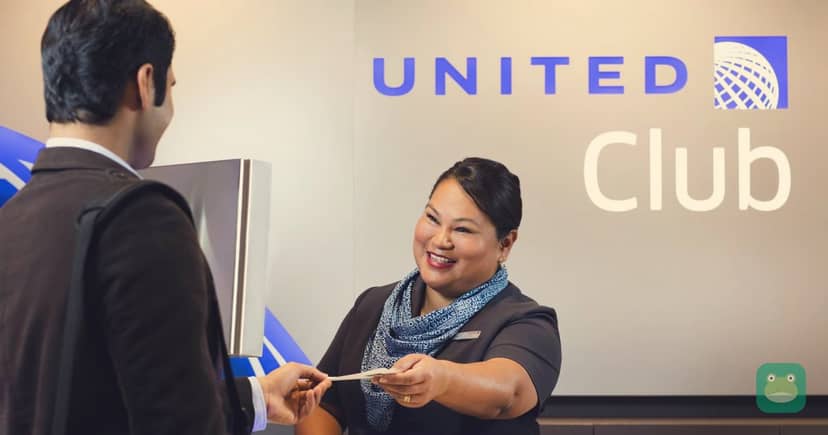
American's Admirals Club access page sets out the entry methods and required travel documents. Its mobile boarding-pass guide explains how to obtain and add a boarding pass to a digital wallet. Prepare both parts of the visit before leaving for the airport.
Know which benefit you are using
A membership, eligible card, premium ticket and day pass are different paths into the lounge. Identify your own path and read the requirements that apply to it.
Do not rely on the name of a card or the appearance of a premium seat. Match the benefit to the actual flight and person using it.
Our American Airlines page and access without a premium card guide provide context. The operator's live access rules settle the admission question.
Open the relevant tools at home
Check that you can sign into the airline account and retrieve the reservation. Find the boarding pass when check-in becomes available and confirm that the travel details are right.
If your access method has a digital credential, make sure you know where it appears. If it requires a physical item or identification, keep that available too.
The purpose is to remove a small delay from a busy moment. You should not need to discover the account layout while a queue forms behind you.
Prepare a practical fallback
Keep the documents that your access method requires in a form you can actually present. Ask American which alternatives are accepted if a phone or app is unavailable.
A screenshot can be useful as a record, but do not assume every copied image is an accepted credential. Follow the operator's instructions for the document itself.
Charge the phone and keep the boarding information reachable. An airport connection should not depend entirely on finding an available outlet at the last minute.
Match the credential to the location
For a Dallas connection, compare the DFW airport guide, Terminal A Admirals Club and Terminal D Admirals Club. Pick a realistic stop near your route.
For Philadelphia, use the PHL directory and A-West Admirals Club. A working digital credential does not remove a terminal restriction or a capacity limit.
Keep the group organized
Each traveler should know which boarding pass and entry method they will present. Confirm guest permissions before treating one person's account as the group's lounge plan.
If one adult keeps the travel documents for children, make them easy to find without exposing unrelated personal details. A compact, organized set is more useful than a long search through emails.
Spend the saved time inside
Our 24-hour day-pass planning guide covers another way to prepare a connecting trip. The lounge ratings guide helps compare the facilities once admission is settled.
Good preparation is simple: know the entry method, check the required documents and open the tools before travel. That lets the lounge visit begin with a seat rather than a password reset.
Written and checked to our editorial standards. Scores follow our methodology. Join the discussion below.