Airlines
United Starlink Wi-Fi: a MileagePlus login and the actual aircraft matter
United describes Starlink as free for MileagePlus members on equipped planes. Prepare the account and check the flight’s equipment notice.
By Lounge Frog Editorial ·
Page updated October 2026.
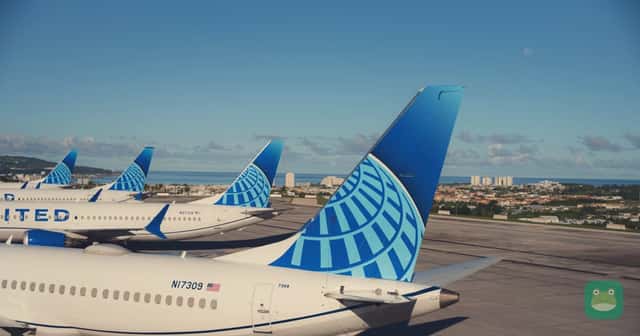
United describes Starlink Wi-Fi as free for MileagePlus members on equipped aircraft. Its June 2026 rollout announcement says customers receive a notification before a flight if the aircraft has Starlink. Account membership and the plane's equipment are therefore separate checks.
Prepare the account you intend to use and look for the actual flight's information. A fleetwide rollout headline should not be read as a guarantee that every United aircraft has the same connection today, or that a lounge membership is needed to obtain the stated onboard benefit.
Check the actual departure
Review the flight information and any equipment notice before travel. Recheck if the aircraft or itinerary changes. A route that has used an equipped plane on another day does not by itself establish what will operate your departure.
Use our United airline directory and the Guam Starlink rollout story for context. Our United network update describes another part of the airline's plans, not a Wi-Fi guarantee on every new service.
Prepare the MileagePlus account
Make sure you can access the account before boarding. Resolve a password or login issue using the official support route while there is time to do so. Keep the account details private rather than sharing a full membership screenshot in a public troubleshooting discussion.
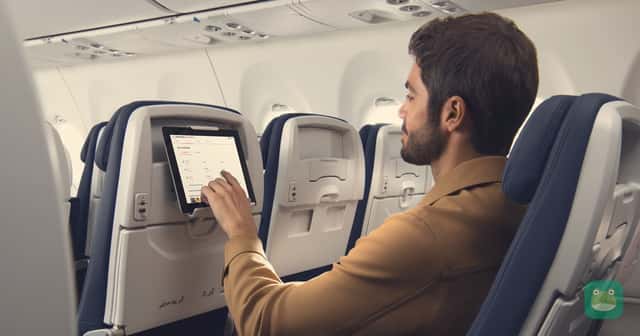
Follow the connection instructions shown on the equipped aircraft. A working airport connection and a working onboard connection are different stages. Keep the documents needed for travel accessible without requiring the new service to solve an account problem.
Points Frog's MileagePlus points-value page and award-itinerary guide address separate uses of the program. A reward balance, elite tier and account login should not be collapsed into one informal benefit label.
Keep lounge access separate
United's description of free onboard Starlink for members does not say that the same membership alone opens a United Club or Polaris lounge. Read the credential for the room you want at the airport. A connectivity benefit can be useful without changing the lounge decision.
Our Club and Polaris guide and the Club membership comparison help identify those doors and guest rules. The Newark airport directory connects the plan with one United hub.
Build a realistic work plan
Decide which tasks can wait until arrival and which need to be completed beforehand. Save essential documents and a way to find the onward booking. Even a promoted high-speed service should not be the only route to information central to the trip.
Our device-and-document guide helps keep that preparation simple. The work-seat guide offers another reminder to consider the rules of the place where you plan to work, rather than assuming every connection supports every activity.
Continue the check at the destination
Use our SFO directory if the journey includes a connection there. Cruise Frog’s port directory can support a sailing after the flight. The arrival and transfer plan should remain available whether or not you use onboard Wi-Fi.
The useful Starlink routine is to prepare the account, verify the aircraft notice and follow the actual connection instructions. It treats the membership benefit as a tool for the flight you are taking, while keeping airport access and the rest of the journey under their own current rules.
Sources and date checked
Checked October 14, 2026. United’s current newsroom explanation of Starlink access.
Written and checked to our editorial standards. Scores follow our methodology. Join the discussion below.